
Anywhere in the World - Task 1
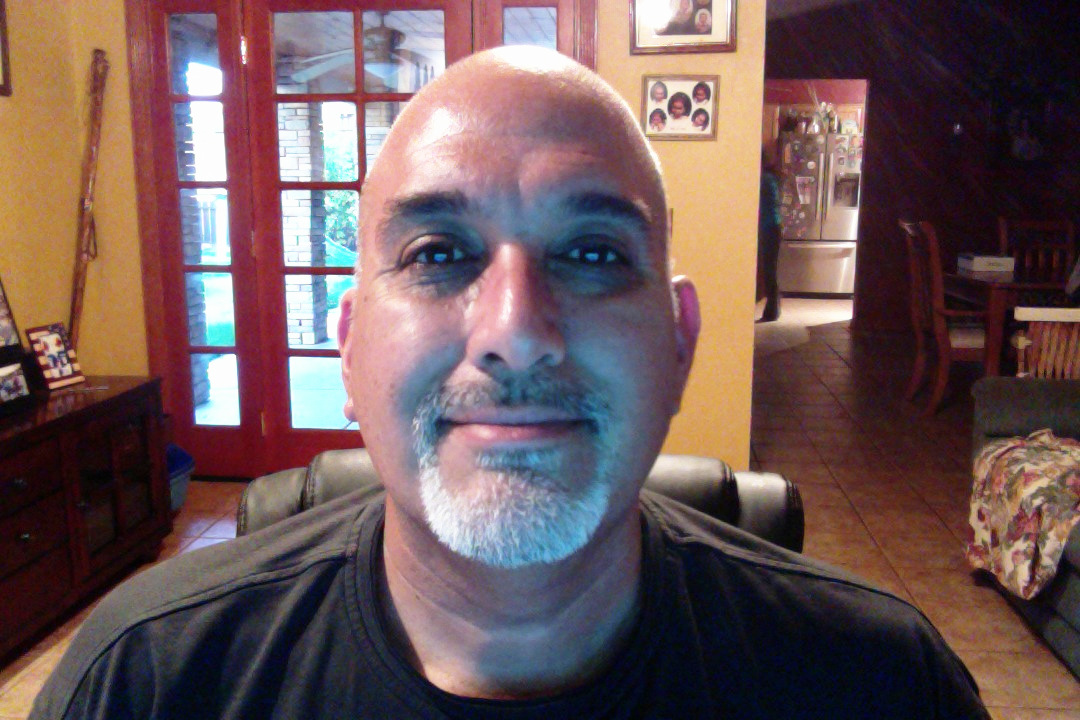
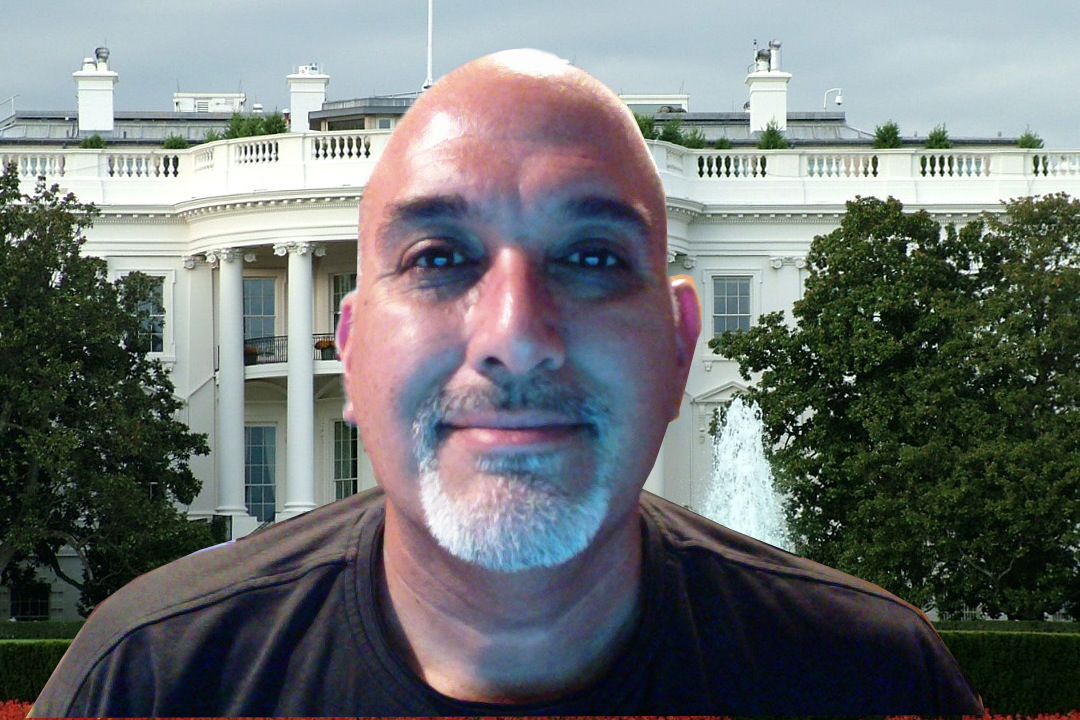
In this activity you will learn to change the background of an image and place yourself anywhere in the world. You will learn to use the Free Select tool, Layers functions, Eraser tool and to add an Alpha Channel. This will be the basis for many other projects. Follow the instructions below.
|
|
In Your Hand - Task 2
|
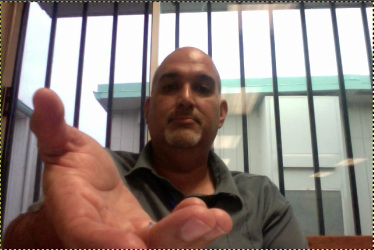
Use GIMP to place an object in your hand. Like a butterfly or elephant. You will need to search the internet for a picture and download it into the pictures folder.
|
When you are done, you will have a picture with an object in your hand. The object should be something unusual that usually does not fit in your hand. In this example I used an Orangutan. You can put people, animals, or objects. Follow the steps below.

Got My Magic Staff! - Task 3
I Got the Power! - Task 4
|
Using the skills you learned in the last two activities, create an energy ball coming out of your hand. You can do this in partners.
Use similar filters as you did in the previous project. |

|
